Why Your Macbook Doesn't Have a Right-Click Button and the Hidden Fix
Q1: Why does my MacBook trackpad only register a left click when I press the bottom-right corner?
A1: Factory defaults configure the trackpad to read all single-finger presses as primary clicks. You must navigate to System Settings > Trackpad > Point & Click, select the Secondary Click dropdown, and switch the option to Click in Bottom Right Corner.
Q2: Can I right-click on macOS without pressing down on the trackpad?
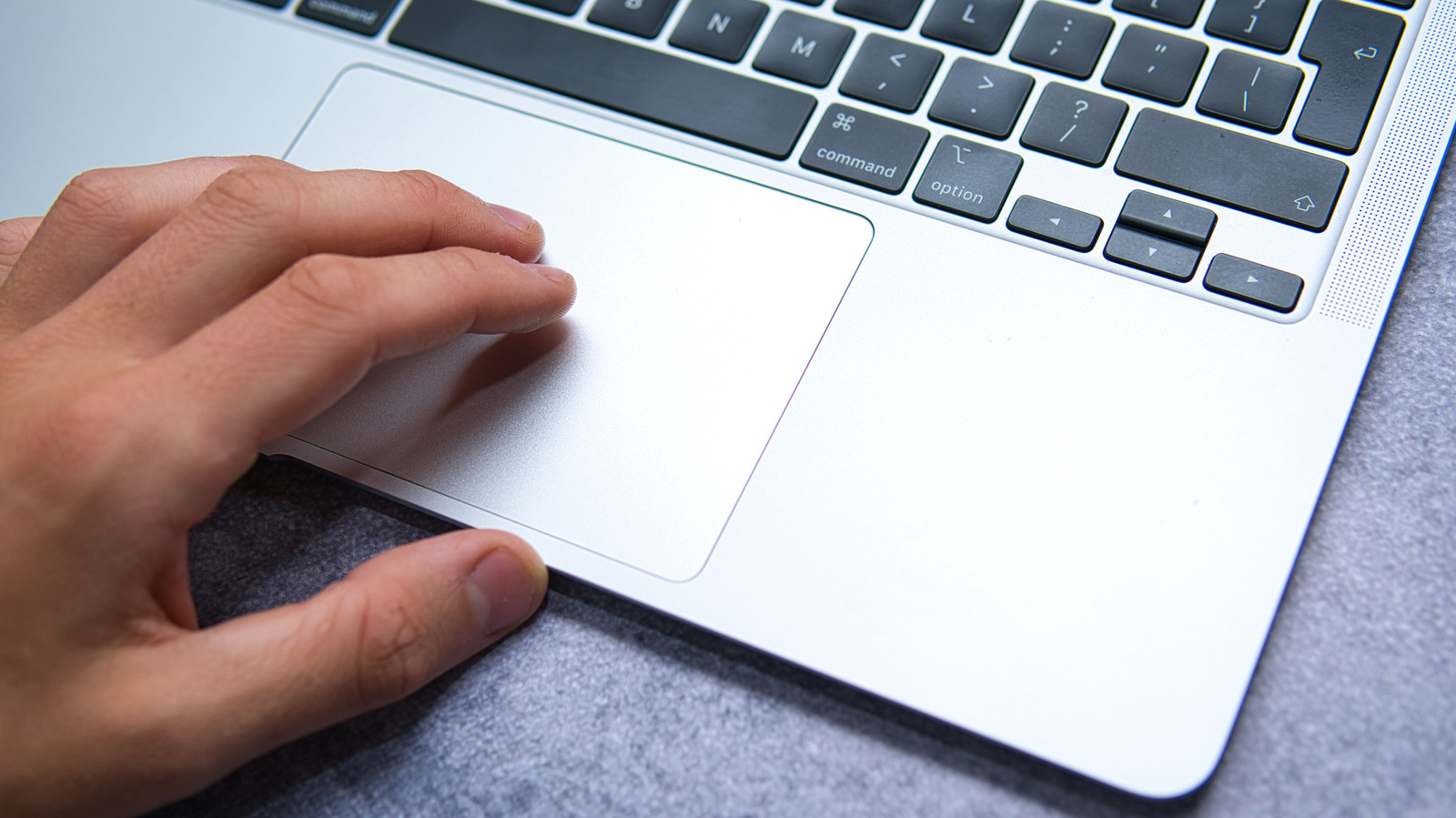
A2: Yes. Enable both Secondary Click (Click with Two Fingers) and Tap to Click in your trackpad settings. Once active, resting two fingers briefly on the trackpad surface triggers the contextual menu without requiring physical force.
Q3: Does the Control-click shortcut work inside third-party apps like Chrome and Photoshop?
A3: Yes. The Control + Click keybinding is a system-level function within macOS. It invokes the contextual menu across nearly all third-party software, terminal emulators, and creative suites.
Q4: Why does my two-finger right click open an item instead of the context menu?
A4: If your two fingers do not make contact simultaneously, macOS treats the interaction as a tap followed by an immediate drag. Ensure both fingertips make clean, level contact with the trackpad glass at the same instant.